A study session
built around you.
See how AccelaStudy® AI Languages connects your goals, lessons, practice, and progress—one useful next step at a time.
Walk through the experienceA closer look at the learning app
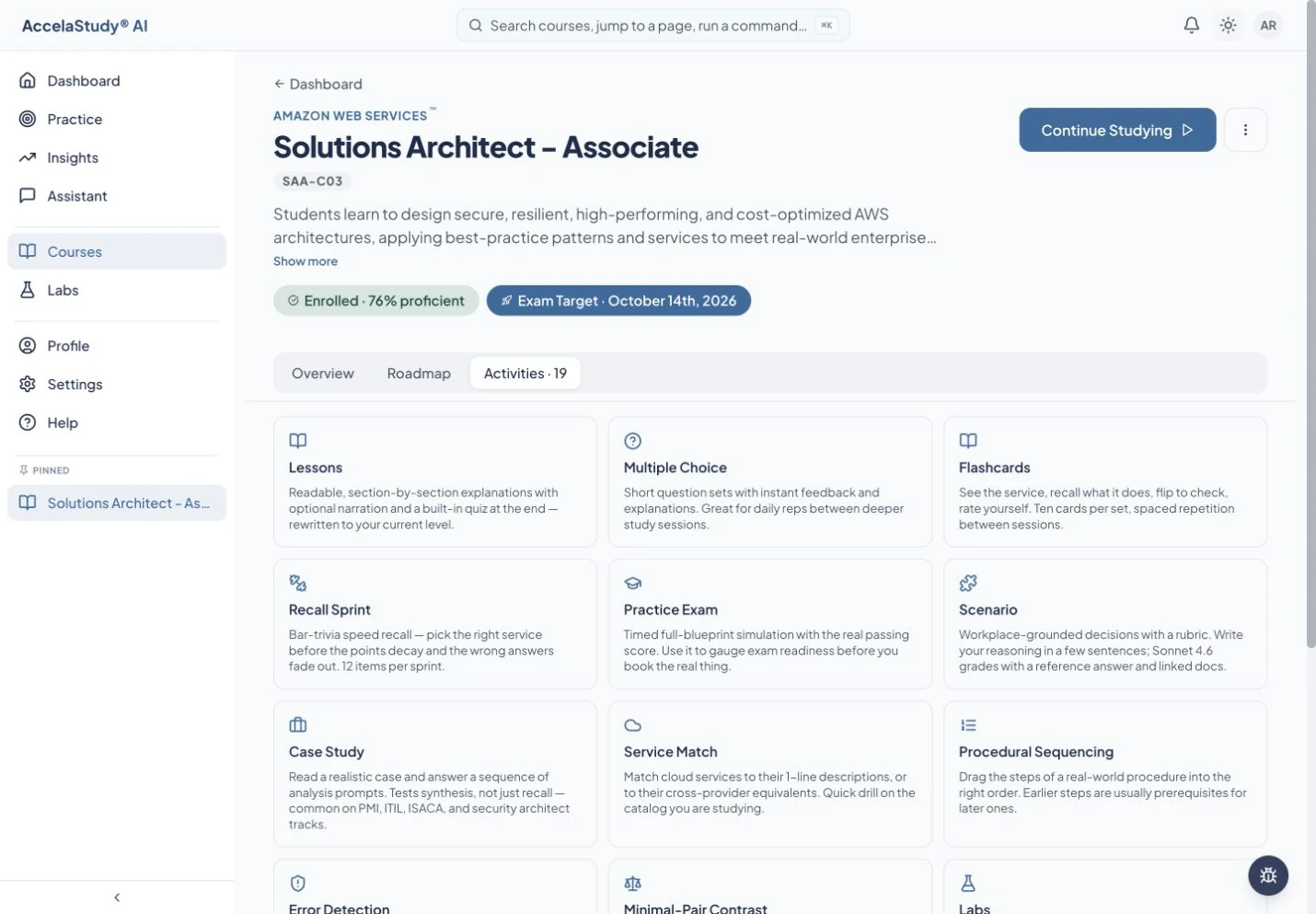
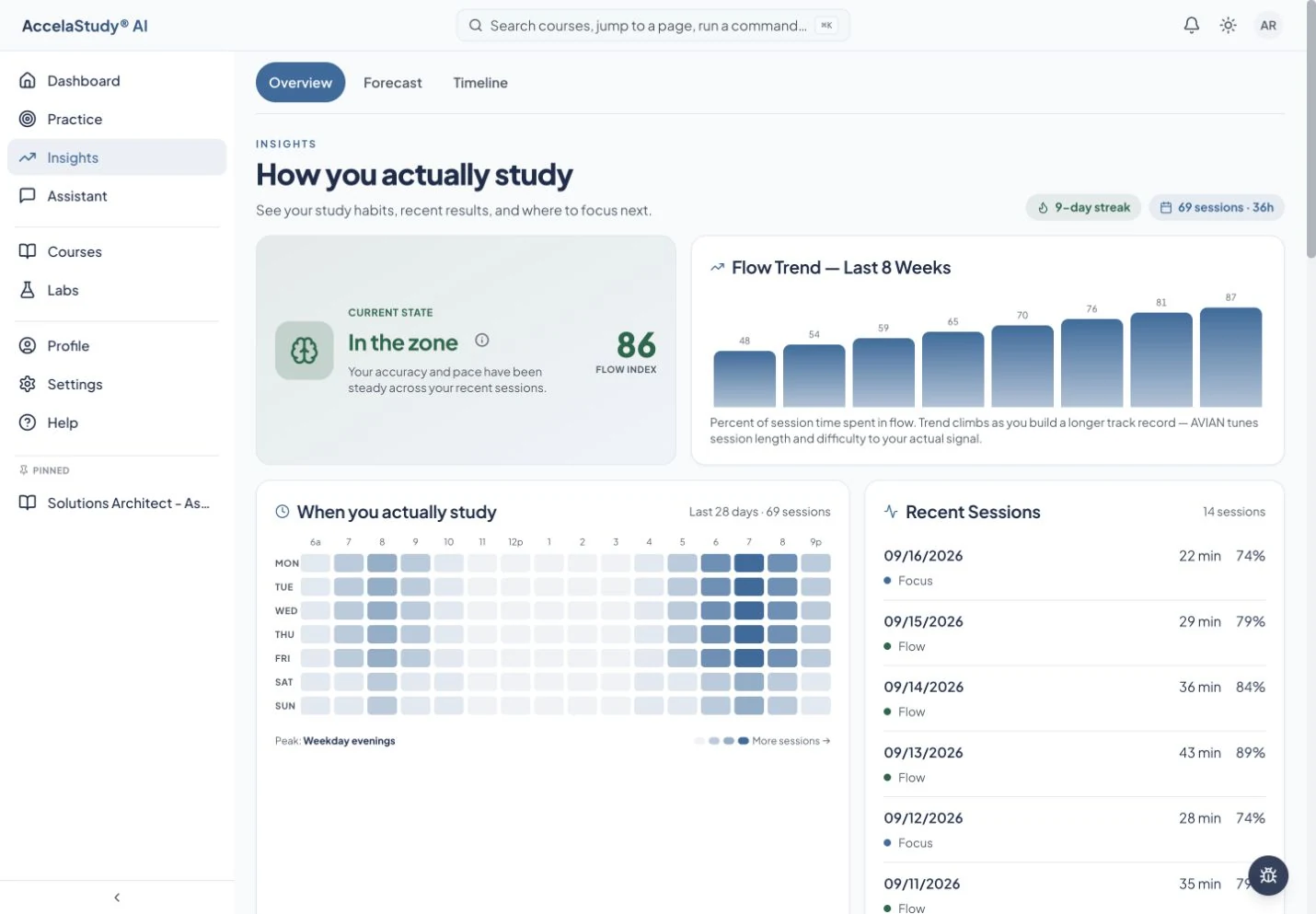
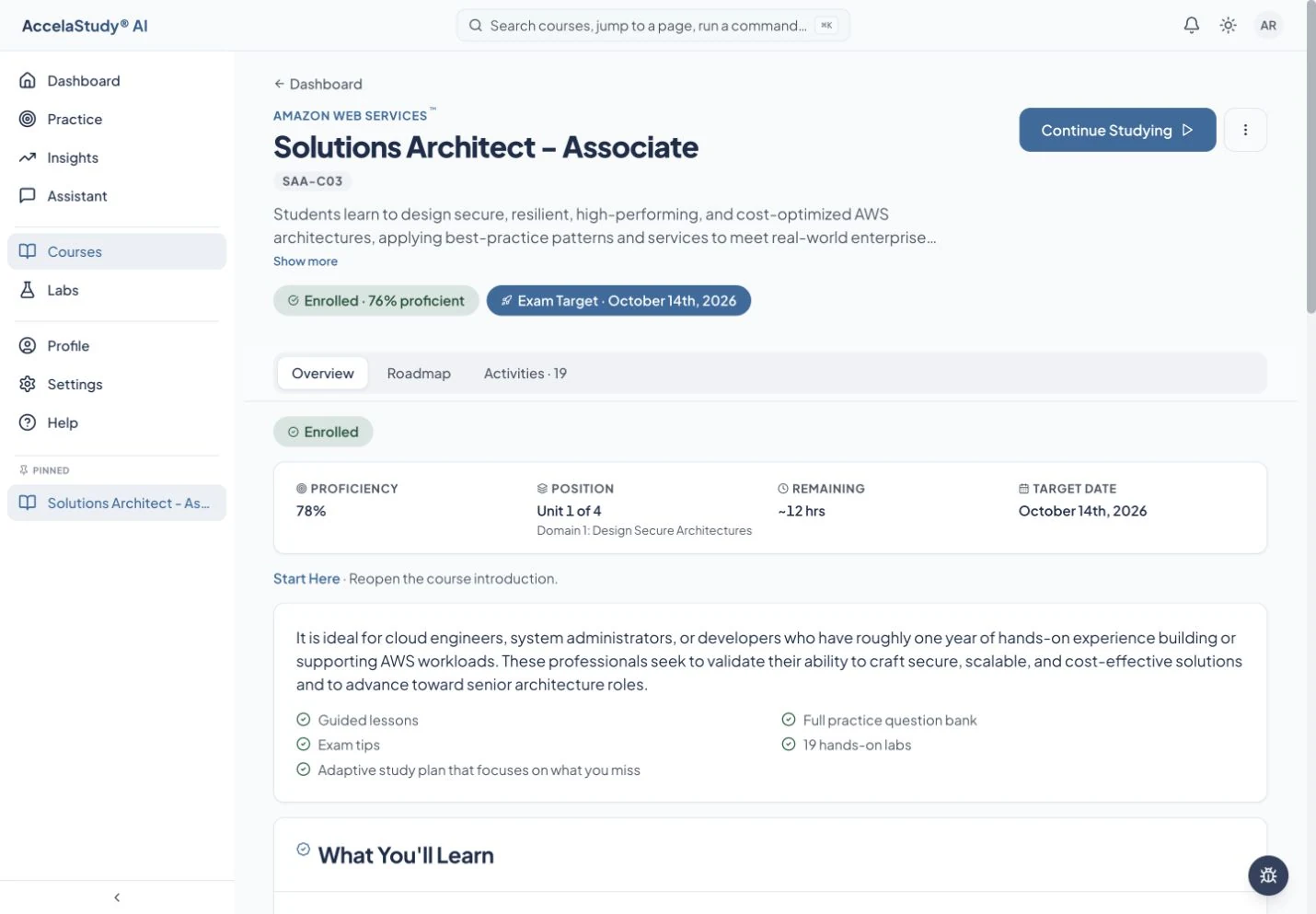
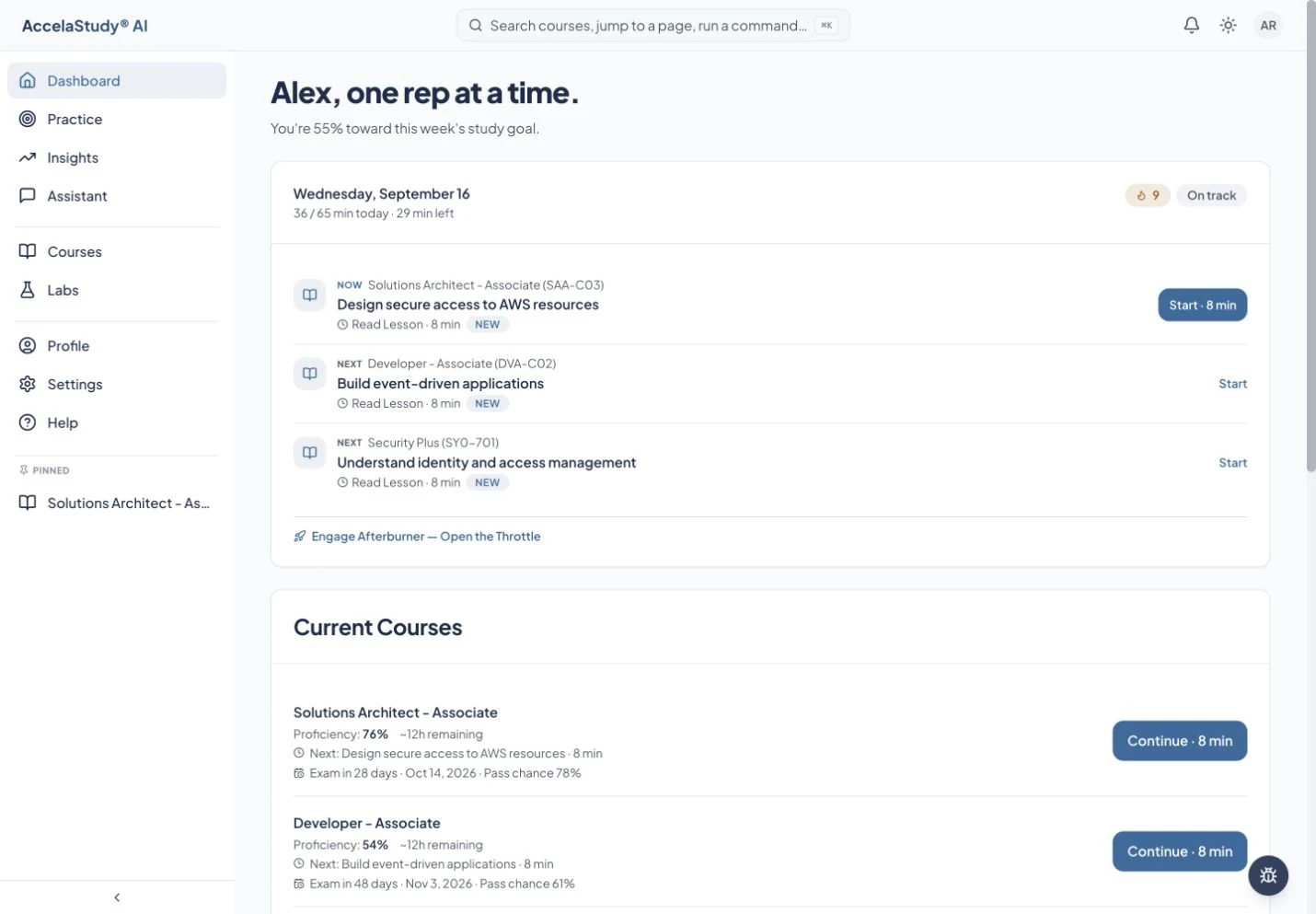
Current app screens with an illustrative demo learner. Select any screenshot to enlarge it.
Start with what you know.
Choose a course and begin practicing. Your answers help the app find the gaps worth spending time on.
Turn a goal into today’s work.
Set your study rhythm with Autopilot. Use the course roadmap to see the bigger picture, then return to your daily runway for the next useful activity.
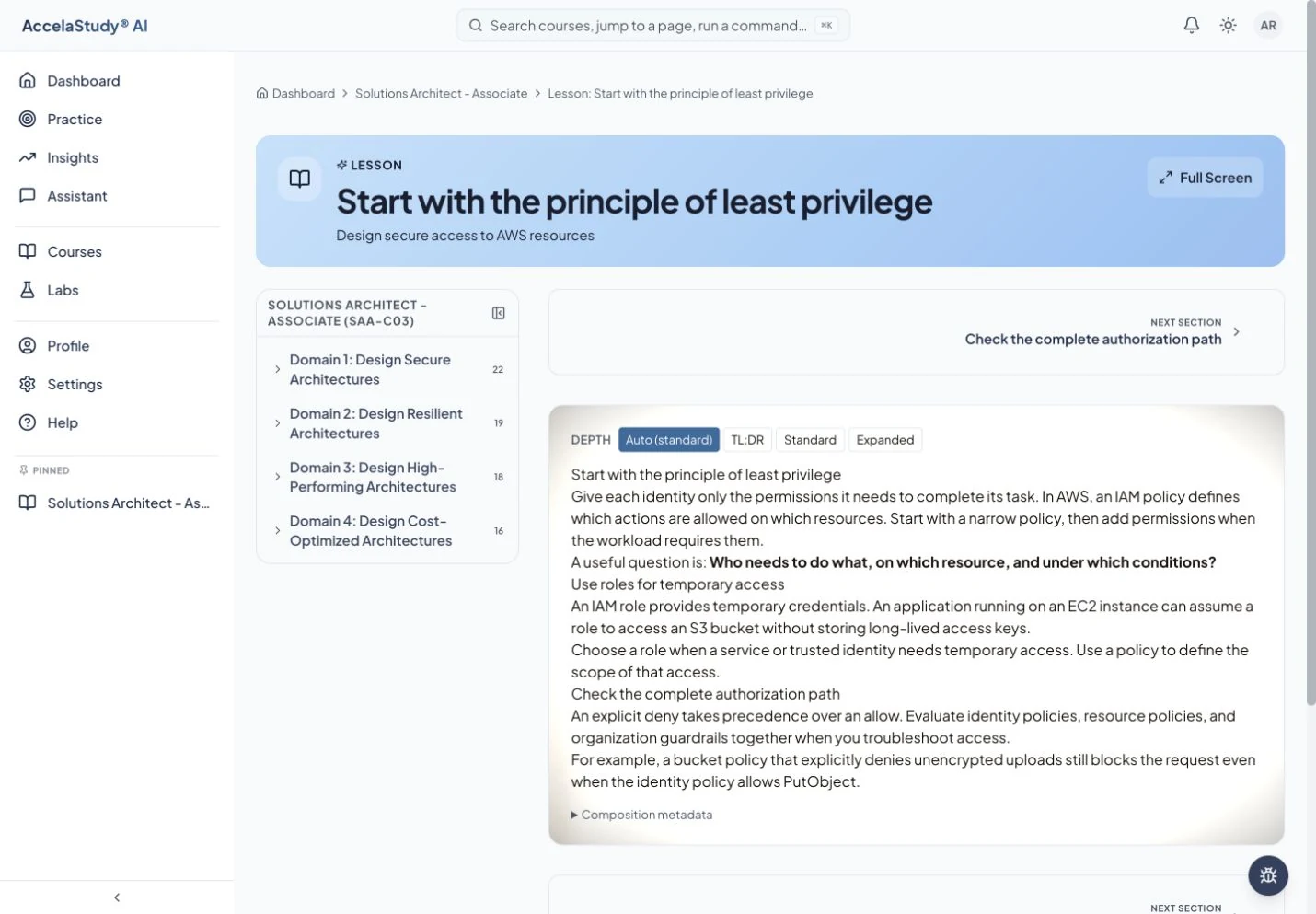
Go deeper when you need to.
Open a lesson to build the idea. With Lesson Aperture, choose the level of detail that helps it click. Ask the assistant for an example or another explanation.
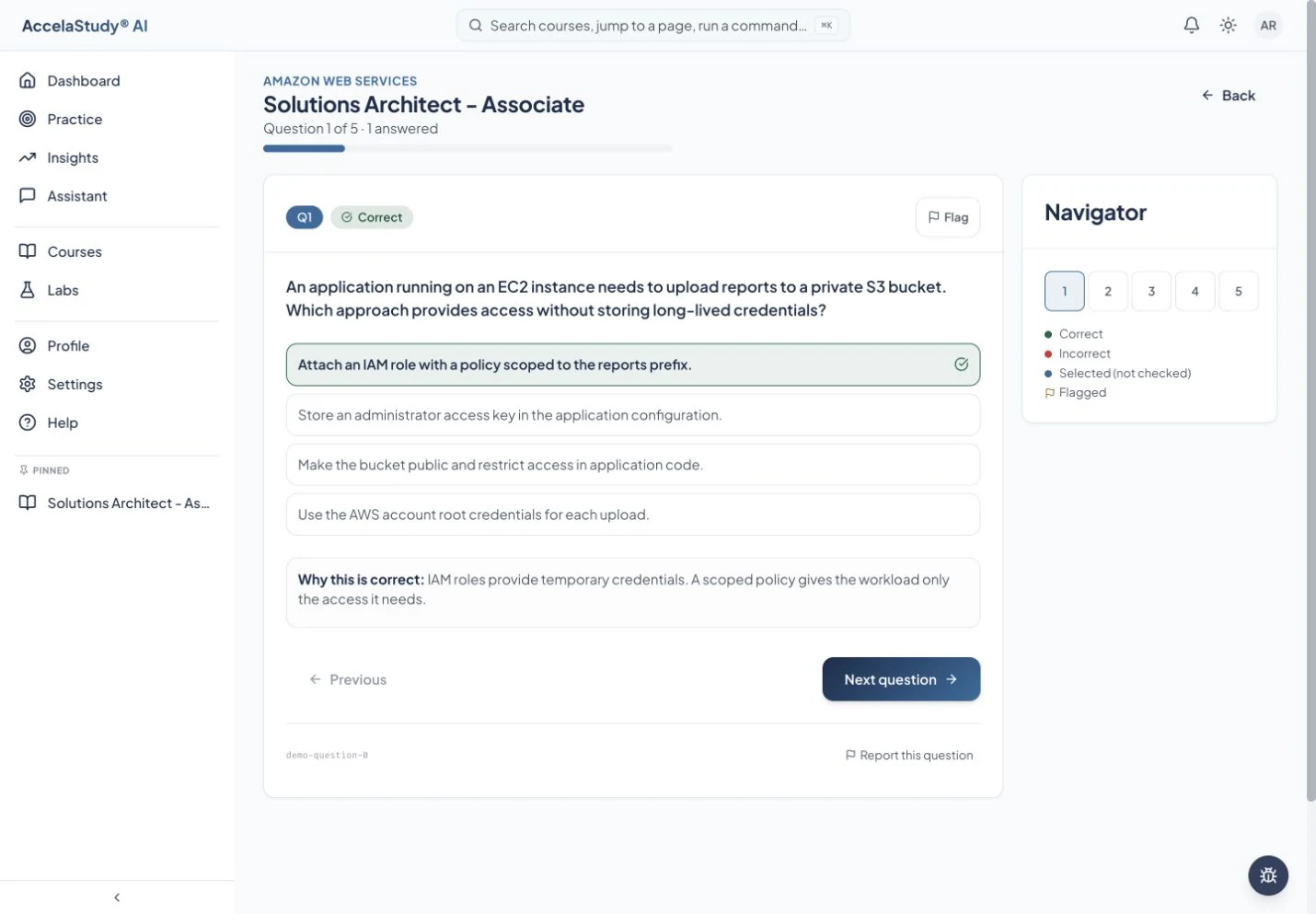
Use the idea. Get feedback. Try again.
Move from recall to application with the activities in your course. Questions, flashcards, and scenarios give you different ways to work with the material.
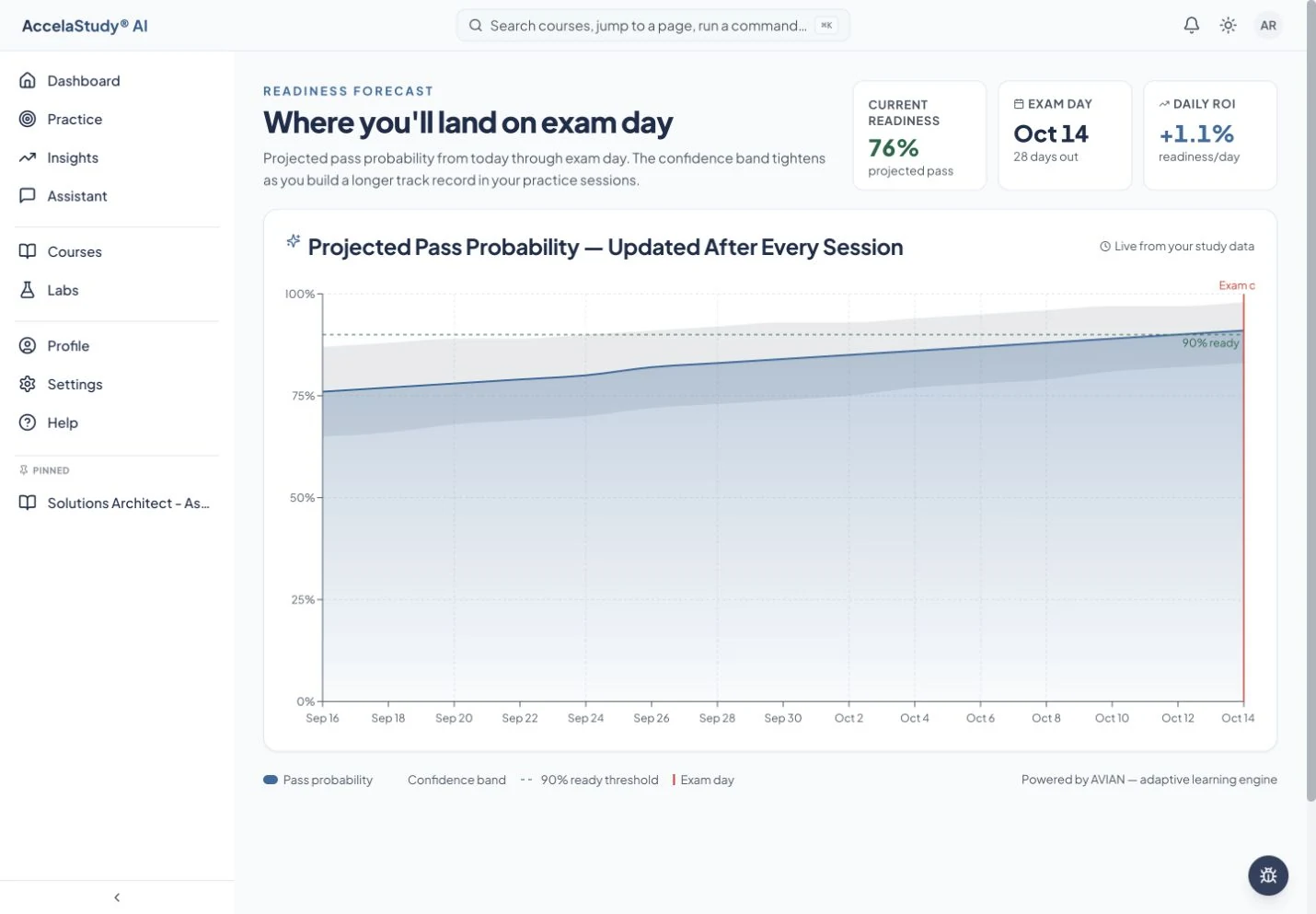
See what your work is changing.
Look across sessions with Insights. For supported exams, use practice exams and readiness forecasts to review your progress, rehearse pacing, and decide where to focus next.
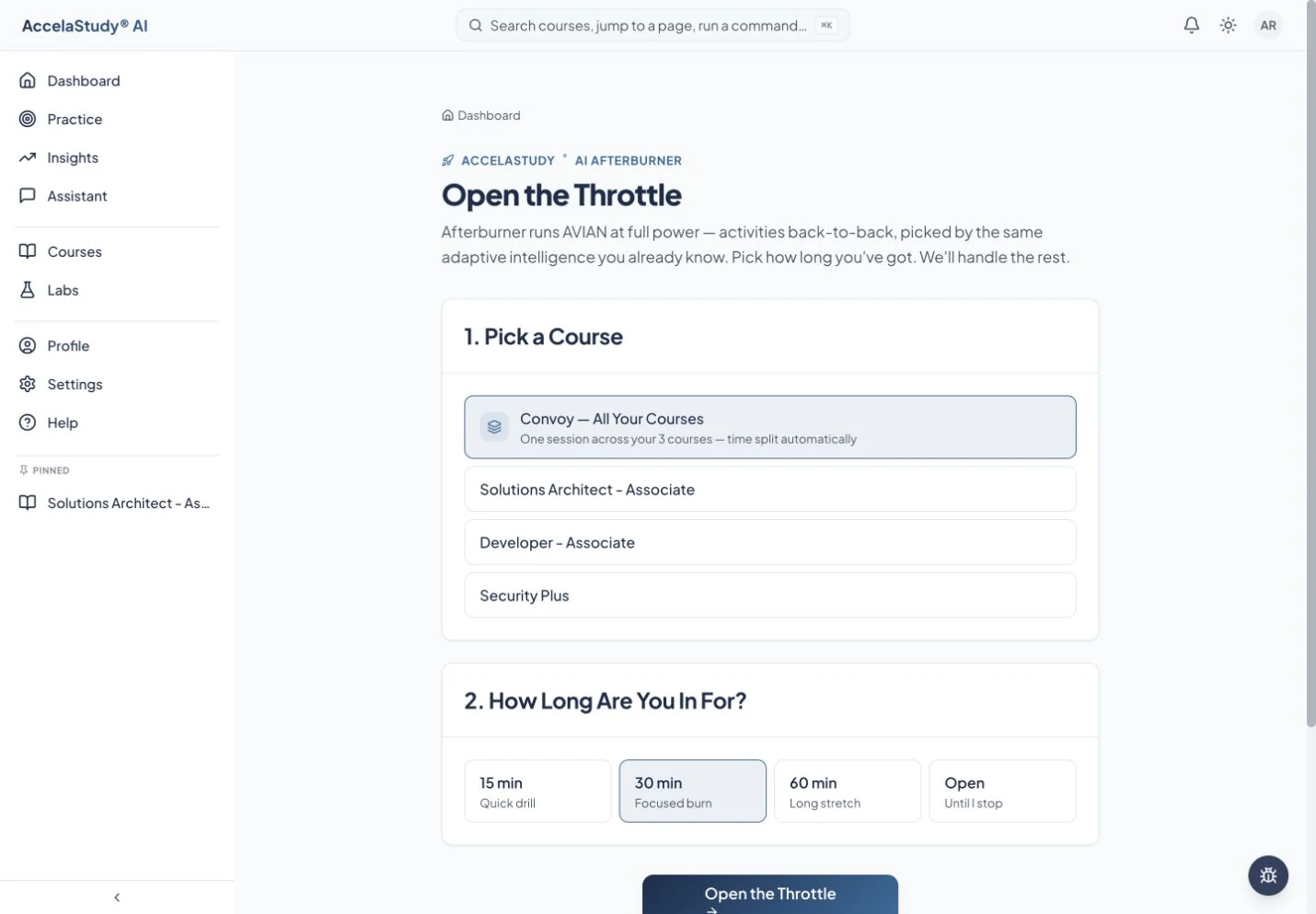
Make the next session fit your day.
Start an Afterburner session on one course plan or a Formation and study for as long as you have. There is no time limit: Autopilot keeps planning as you go, while related knowledge helps inform what comes next.
A few things to know
Does every course include every feature?
The shared learning experience connects the products, while activities, exam tools, and readiness displays depend on the course. Open a course’s Activities tab to see what is included.
Does a readiness forecast guarantee an exam result?
No. It is an estimate based on practice evidence, meant to help you plan. It does not replace official exam requirements or your own judgment.
Can I study more than one course?
Yes. Enroll in the courses available to your product, manage them from your dashboard, and study their Autopilot plans together in one session as a Formation.
Can I choose how the app looks?
Yes. Light and dark modes are available in the app. This tour includes current captures in both themes.
Your next study session
can start here.
Put these tools to work with AccelaStudy AI Languages.