1
Choose a course plan or a Formation
Open Afterburner from Autopilot and pick one course plan, or a Formation to study the courses in it together in one session.
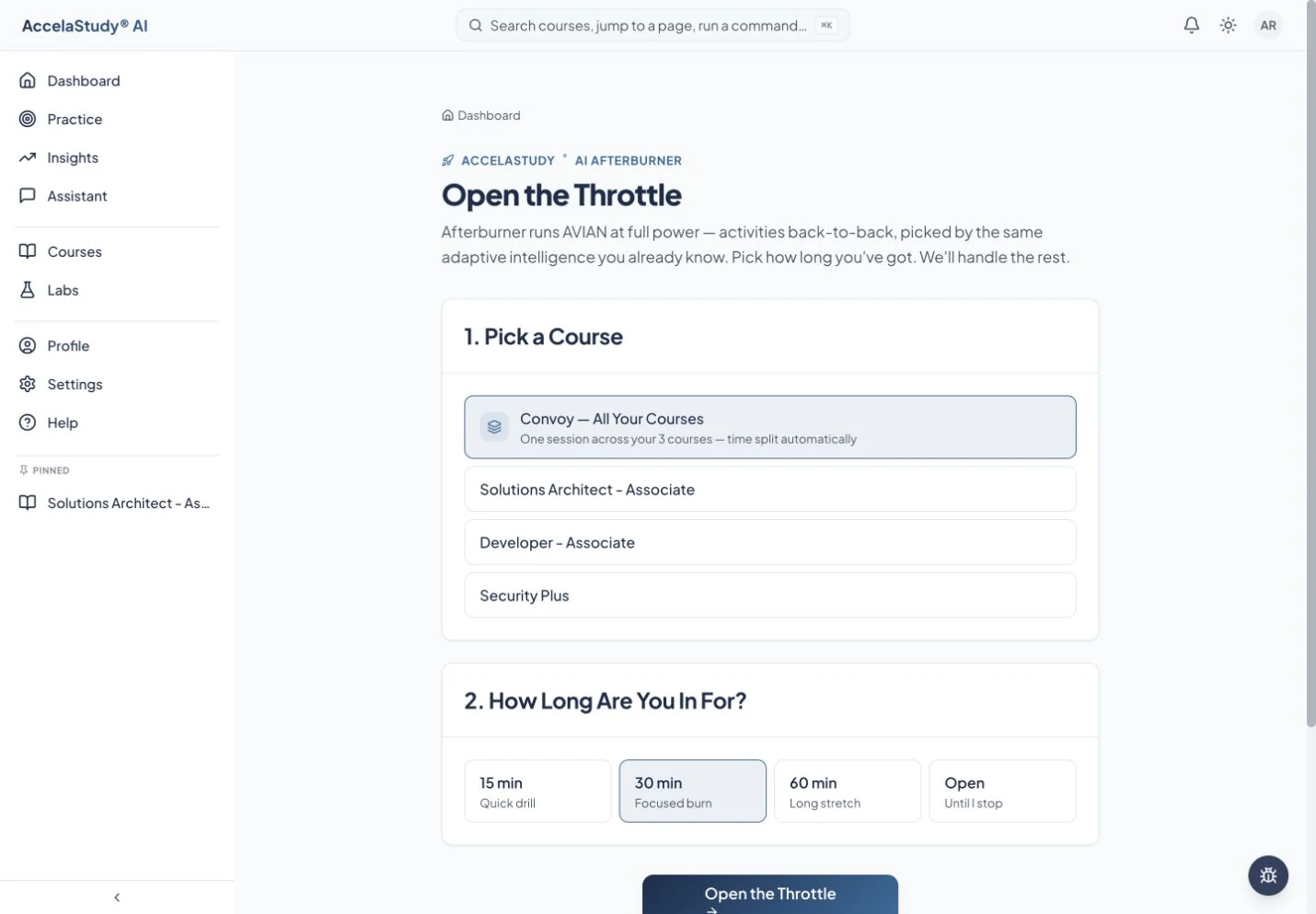
Study one course plan or a Formation with no session time limit. Autopilot keeps planning as you go.
See how it worksCurrent app screens with illustrative demo data.
Your schedule today may be different from your usual routine. Afterburner gives you a direct way to start a focused session without rebuilding your study plan.
Open Afterburner from Autopilot and pick one course plan, or a Formation to study the courses in it together in one session.
An Afterburner session has no time limit. Autopilot keeps planning from your answers, so the next activity reflects the work you just did. Stop whenever you need to and resume later.
In a Formation, each activity counts toward the course it belongs to, and your results contribute to each course’s progress.
Requires an enrolled course with Autopilot on. A Formation combines the Autopilot plans of two or more courses.
Put these tools to work with AccelaStudy AI Languages.