1
See what your course includes
Open the course’s Activities tab to see its formats. A language course, an academic subject, and a cloud certification do not need the same exercises.
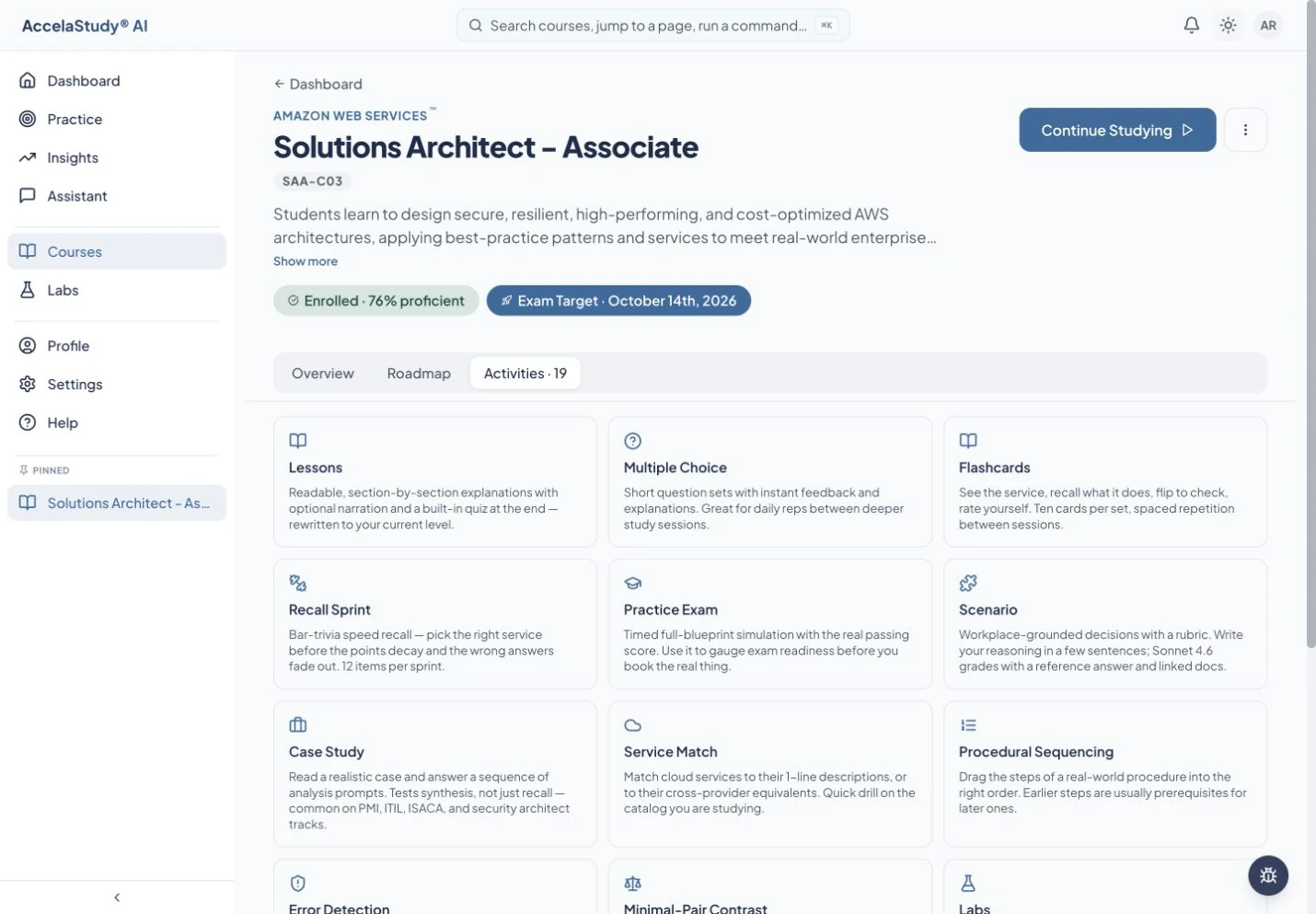
Recall it, compare it, explain it, and apply it. Each course uses the activity formats that fit its subject.
See how it worksCurrent app screens with illustrative demo data.
Recognizing an answer and applying an idea are different skills. AccelaStudy AI combines activity formats so practice can move beyond repeated multiple-choice questions.
Open the course’s Activities tab to see its formats. A language course, an academic subject, and a cloud certification do not need the same exercises.
Where supported, flashcards, recall sprints, matching, and contrast exercises help you retrieve an idea and distinguish it from similar ones.
Scenarios, case studies, and simulations ask you to use what you know. Your course determines which of these formats are available.
Format availability varies by course. The course’s Activities tab is the place to check what is included.
Put these tools to work with AccelaStudy AI Languages.